
Native Lightning, not iframes
Built in Lightning Web Components. Uses your Salesforce authentication. Lives inside your org — no third-party redirects, no popup-blocked OAuth flows, no separate billing portal.
Accordsign for Salesforce
A managed Salesforce package that installs in your org and lets your team send envelopes from any record — Account, Opportunity, Contact, or custom objects. In production with IT services and financial services teams today.
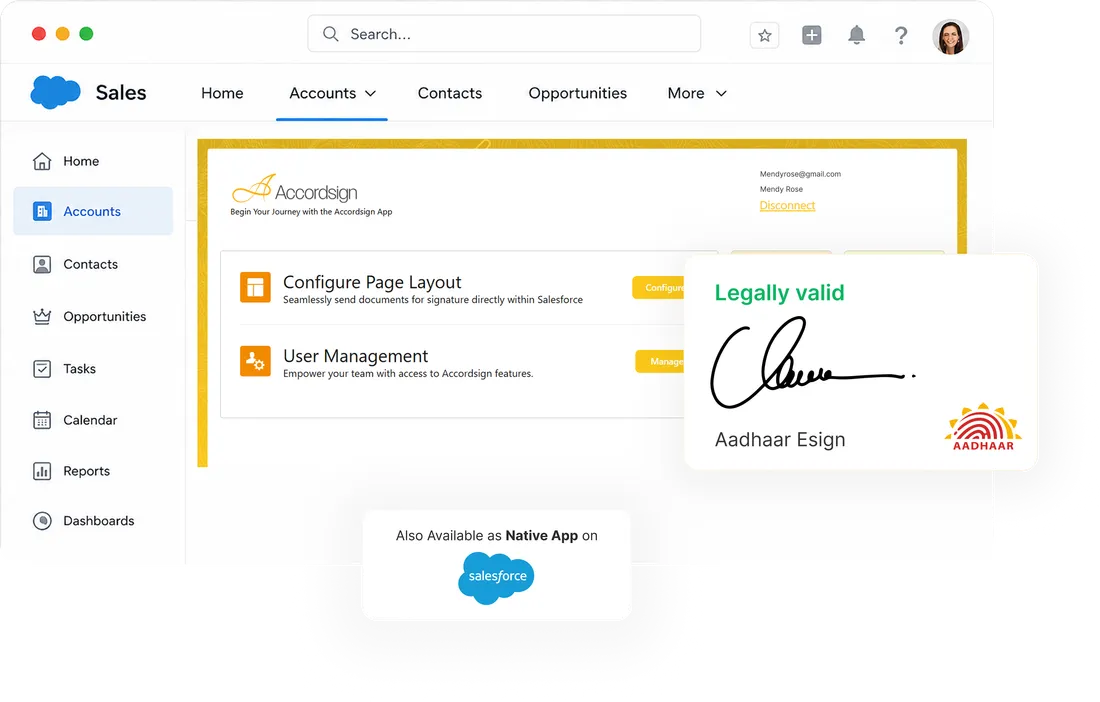
How to get the Accordsign Salesforce app
We distribute the Accordsign Salesforce app as a managed package. You install it directly into your Salesforce org from a private install URL — the same install mechanism Salesforce ISVs use during limited release.
Talk to our team
We share an install URL specific to your org.
Install the package
A System Administrator installs it from the URL. Takes about five minutes.
Connect your Accordsign account
OAuth-style connection from inside Salesforce to your Accordsign workspace.
Add the "Send for Signature" action
Drop it onto any object's page layout — Account, Opportunity, Contact, or custom.
We're working toward an AppExchange listing. In the meantime, the managed package is production-ready — currently used by IT services and financial services teams in India for live contract execution.
What the integration does
Send envelopes from any Salesforce object (standard or custom)
Real-time status sync (Sent · Viewed · Signed · Declined · Completed)
Signed PDF attached automatically to the source record as a Content Document
Audit trail accessible from inside Salesforce
Aadhaar eSign available natively from inside Salesforce
Per-object configurable page layouts
Works in Lightning Experience (Salesforce Classic not supported)
Why Accordsign for Salesforce
Built in Lightning Web Components. Uses your Salesforce authentication. Lives inside your org — no third-party redirects, no popup-blocked OAuth flows, no separate billing portal.
India-specific legally valid signing, available right from the Opportunity, Account, or any custom object. We don't know of another Salesforce eSignature app that supports Aadhaar natively.
Per-document, no per-Salesforce-user surcharge. Same pricing as non-Salesforce Accordsign — the Salesforce integration is included as part of your existing plan.
Who's using it
The Accordsign Salesforce app is in active use by IT services and financial services teams in India for live contract execution. If you'd like to talk to a reference customer, ask us — we'll connect you with someone using the package today.
Pricing
There's no separate fee for the Salesforce integration. You pay only for the documents you send. Salesforce admins can install the managed package and connect any Accordsign account — Individual or Business.
See pricingGetting started
Because the package is distributed privately, the install starts with a quick conversation. Tell us about your Salesforce edition, the objects you sign from, and how many users you need. We typically have teams installed and sending within a week.
For multi-user orgs and teams with custom Salesforce architecture, we offer white-glove setup at no additional cost.
What's on the roadmap
Mass-send from Salesforce list views
Salesforce Flow / Process Builder triggers
AppExchange listing
Native integration with Salesforce CPQ
We don't commit dates publicly. If you have a specific need, tell us — customer requests directly influence our roadmap.
FAQ
More about the underlying platform: Aadhaar eSign · Security · Pricing · FAQ.
Typical response within one business day. We'll share an install URL, walk through the setup, and connect you with a reference customer if you want to talk to someone already using it.