Someone has sent you a document and asked you to sign it with Aadhaar. Maybe it’s an offer letter, a vendor agreement, or a rental contract. If this is your first time, you probably have three questions:
Is this safe? What exactly happens with my Aadhaar? And what am I actually agreeing to when I enter that OTP?
Fair questions. This post answers them — not from a sales angle, but because we believe a person should understand a signature before they make one.
The short version
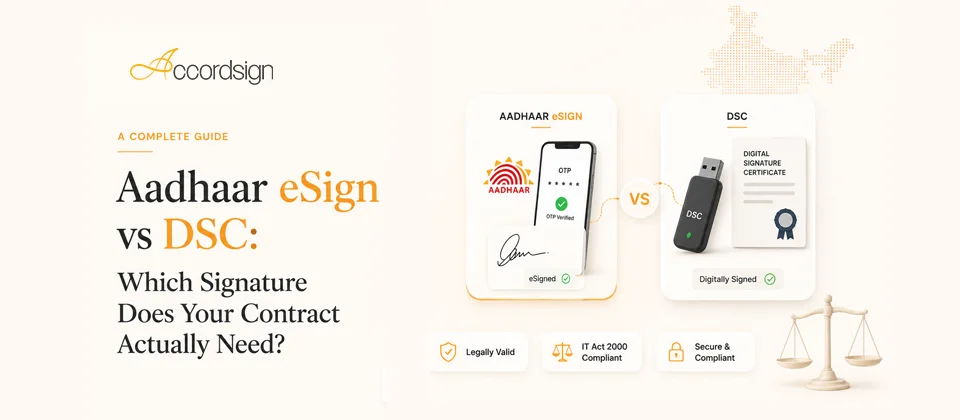
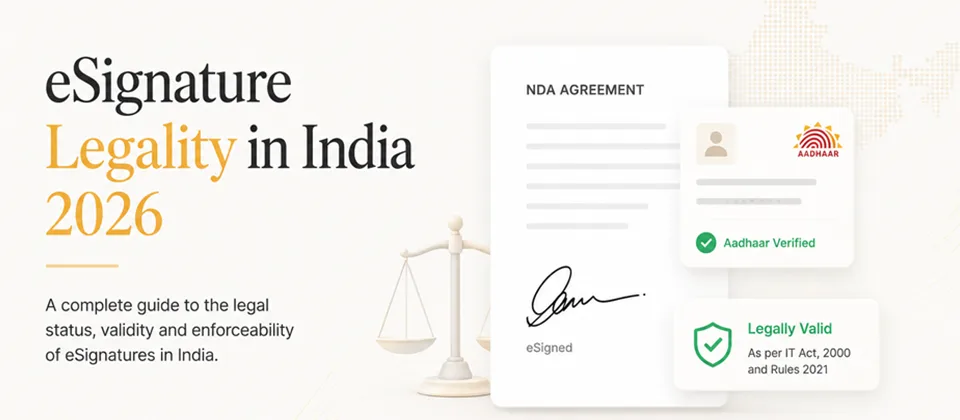
Aadhaar eSign lets you sign a document using your Aadhaar number and a one-time password sent to your Aadhaar-registered mobile. The whole thing takes about a minute. At the end, the document carries a digital signature certificate issued in your name for that one transaction — legally valid under Section 3A of the Information Technology Act, 2000.
You don’t need a USB token, a printout, or a courier. You need your phone.
What happens, step by step
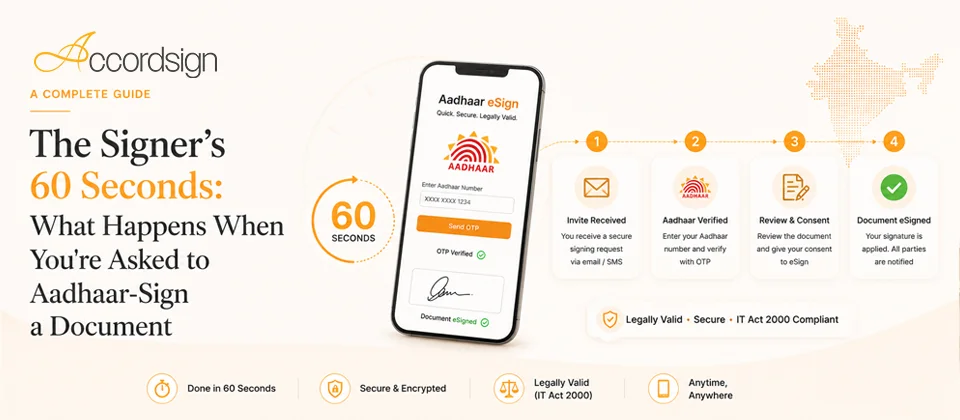
1. You open the signing link. The sender’s platform shows you the document. Read it — the signature you’re about to make is as binding as ink.
2. You choose to sign with Aadhaar. You’ll be redirected to a licensed eSign Service Provider (ESP) — a company licensed by the Controller of Certifying Authorities (CCA), the government body that regulates digital signatures in India. This redirect is normal and correct: the Aadhaar authentication step never happens on the sender’s website. It happens with the licensed provider.
3. You enter your Aadhaar number and receive an OTP. The OTP goes to the mobile number registered with your Aadhaar. This is the authentication: it proves the person holding the Aadhaar-registered phone is the one signing.
4. You enter the OTP. With that, the ESP requests a one-time digital signature certificate in your name from a Certifying Authority, uses it to sign the document cryptographically, and the signed document returns to the sender’s platform.
5. Done. You’ll usually receive a copy of the signed document by email.
What happens with your Aadhaar data — and what doesn’t
This is the part that worries people most, so let’s be precise.
- Your Aadhaar number is used for authentication with UIDAI (the government’s Aadhaar authority) via the licensed ESP. It is not handed to the person who sent you the document.
- The sender does not see your Aadhaar number. What they receive is the signed document and a signature certificate that carries your name — not your Aadhaar number in full.
- The OTP proves possession of your registered phone. It is used once, for this transaction, and expires quickly.
- The signature certificate is transaction-level. Unlike a USB-token DSC that lives with you for years, an Aadhaar eSign certificate is generated for this one signing and is not reusable. There is no long-lived credential created that someone could misuse later.
One honest caveat: you should still only sign documents from senders you recognize. Aadhaar eSign proves you signed; it doesn’t evaluate whether the deal itself is a good one. Read before you sign, same as paper.
How you know the document can’t be quietly changed
After signing, the PDF carries a cryptographic signature. Open it in any standard PDF reader and you can inspect it. Two things matter:
The certificate. It shows your name, the time of signing, and the authority that issued it. That’s the “who and when.”
Tamper evidence. The signature is computed over the document’s contents. If anyone changes so much as a comma after signing, the signature breaks visibly — the PDF reader will flag that the document was modified after signing. This is not a promise from the sender; it’s mathematics. Nobody, including the platform, can edit a signed document without the edit being detectable.
What the audit trail records
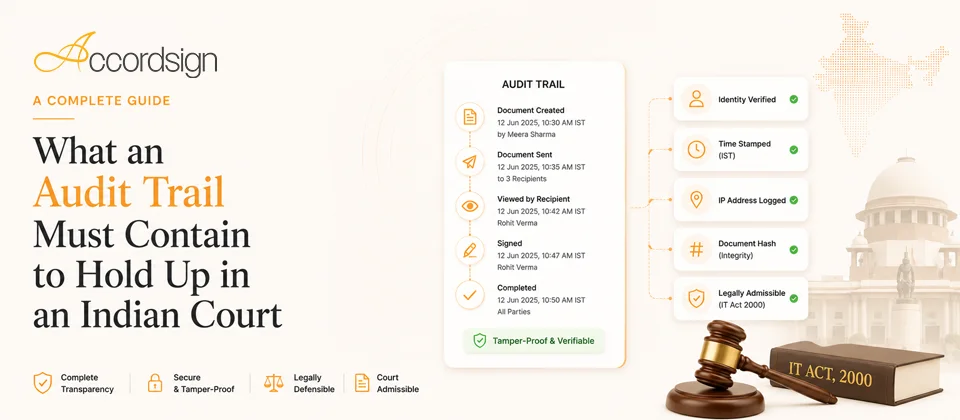
Alongside the signed document, the platform maintains an audit trail: when the document was sent, when each signer viewed it, when each signature happened, and the authentication method used. If a dispute ever reaches a courtroom, this trail is part of the evidence that the signature was validly made. You don’t have to do anything for this — it’s automatic — but it’s worth knowing it exists and works in your favour too, not just the sender’s.
When you can decline
You can. A signature request is a request. If something in the document is wrong, or you weren’t expecting it, decline it or contact the sender before signing. A legitimate sender will never pressure you to sign within minutes.
The one-minute summary
- Aadhaar eSign is legally valid under the IT Act, 2000 — equivalent to a wet signature for almost all document types.
- Authentication happens with a government-licensed provider, not on the sender’s website.
- The sender never sees your Aadhaar number.
- The certificate is one-time, created for this transaction only.
- The signed PDF is tamper-evident — any change after signing is detectable.
- Read the document. The convenience is in the signing, not the deciding.
If you’ve been asked to sign a document through Accordsign and something looks off, or you just want to verify a request is genuine, write to us at support@accordsign.app — we’d rather answer a cautious question than have anyone sign uncertainly.